October 7, 2025


Editorial Disclaimer
This content is published for general information and editorial purposes only. It does not constitute financial, investment, or legal advice, nor should it be relied upon as such. Any mention of companies, platforms, or services does not imply endorsement or recommendation. We are not affiliated with, nor do we accept responsibility for, any third-party entities referenced. Financial markets and company circumstances can change rapidly. Readers should perform their own independent research and seek professional advice before making any financial or investment decisions.
Picture this: inspiration strikes, you open a promising AI art site, and a registration form blocks the view. We share that frustration, and so do thousands who search every month for “AI image generator without login.” So we tested every no-signup tool we could find and kept the seven that hit four non-negotiables: sharp images, fast renders, no watermarks, and truly free access. This guide shows where each generator excels, and when to reach for it, so your idea turns into art before the spark fades.

When inspiration hits, extra clicks sap momentum. A no-login generator lets you move from prompt to pixels in seconds.
Privacy improves, too. Skip the email field, and your prompts stay in the session while your inbox stays quiet. A recent survey of creator forums ranks sign-up walls as the top deal-breaker for first-time users.
Speed multiplies in group settings. In a classroom or hackathon, sharing one no-login link lets everyone make images before the coffee cools.
Zero barriers also spark experimentation. You can push wilder prompts, re-roll quickly, and explore without watching a credit counter.
That mix of immediacy, privacy, speed, and playfulness is where our shortlist begins. No forms, no fees, just free generative fun.
We treated each generator like a new teammate in a creative sprint, giving everyone the same five prompts and the same stopwatch. First, we measured raw speed: how long it took to turn text into pixels without touching advanced settings. That showed whether a tool keeps pace during live brainstorming.
Quality came next. We inspected every image at full resolution, zooming in on faces, text, and fine textures. Sharp edges and believable lighting earned high marks, while blurry eyes or warped hands cost points.
Free limits were non-negotiable. Any generator that throttles you with daily credit caps lost ground to services that stay open all day. We also watched for sneaky watermarks or surprise paywalls; anything stamped or locked behind a pay button was out.
Control rounded out the scorecard. We noted whether you can adjust style, aspect ratio, or negative prompts, because power users value fine-tuning. Finally, we checked usage rights so you can post, print, or sell your creations without legal doubt.
Each factor carried weight: quality ranked highest, speed and control followed, and the rest completed a balanced picture. The outcome is a head-to-head ranking you can trust when you choose your next digital paintbrush.
Before we look at individual reviews, the table below shows how each service stacks up on the questions every creator cares about: do you need an account, how many pictures can you make, and will a watermark spoil your work?
Leonardo’s AI image generator positions itself as a full creative studio rather than a simple web toy, with proprietary photo real, anime, and product-mock-up models ready to go. Open the dashboard, and you will see proprietary models such as photo real, anime, and product mock-ups, plus an in-canvas editor that lets you out paint, upscale, or tweak colours without leaving the page.
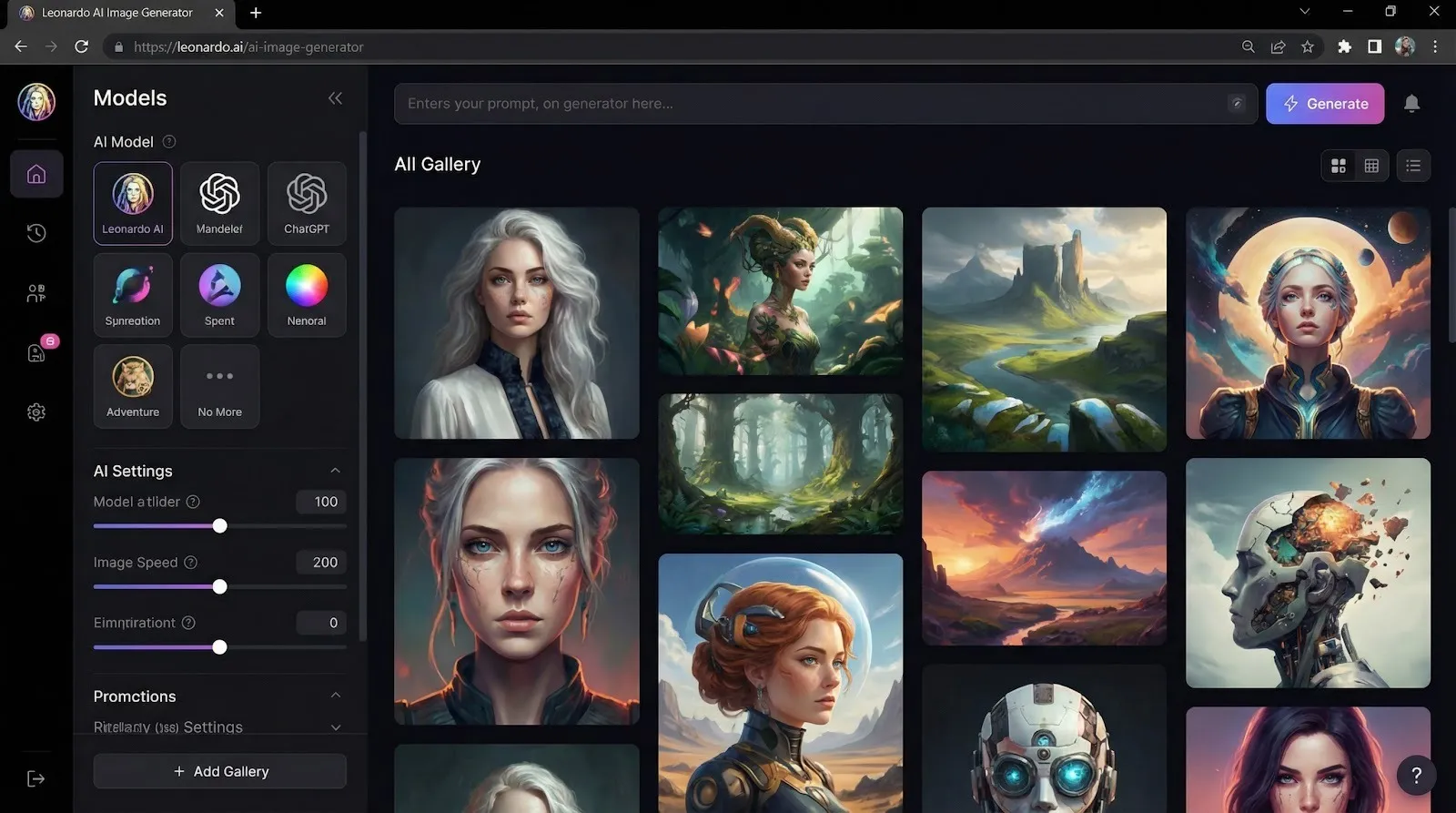
Free users receive 150 Fast Tokens each day, good for about forty standard-quality images before the counter resets (intercom.help). You never see a watermark.
Quality is where Leonardo shines. Our “ancient warrior queen” prompt returned razor-sharp faces, believable metal textures, and dramatic rim light worthy of a movie poster. Other platforms needed two or three re-rolls to match that polish.
Rights are generous. Even on the free tier, you may use your images commercially, sell prints, include them in marketing, or ship products without worry (leonardo.ai). The only trade-off is that creations appear in the public community feed, so keep sensitive briefs elsewhere.
Yes, you need an account, but it takes about 30 seconds. In return, you get pro-level output that rivals Midjourney without the monthly fee. If your goal is the best art you can coax from a browser, Leonardo earns the top spot on our list.
Raphael greets you with a blank prompt box and a simple promise: generate as many images as you want, no sign-up, no catch (raphaelai.org).
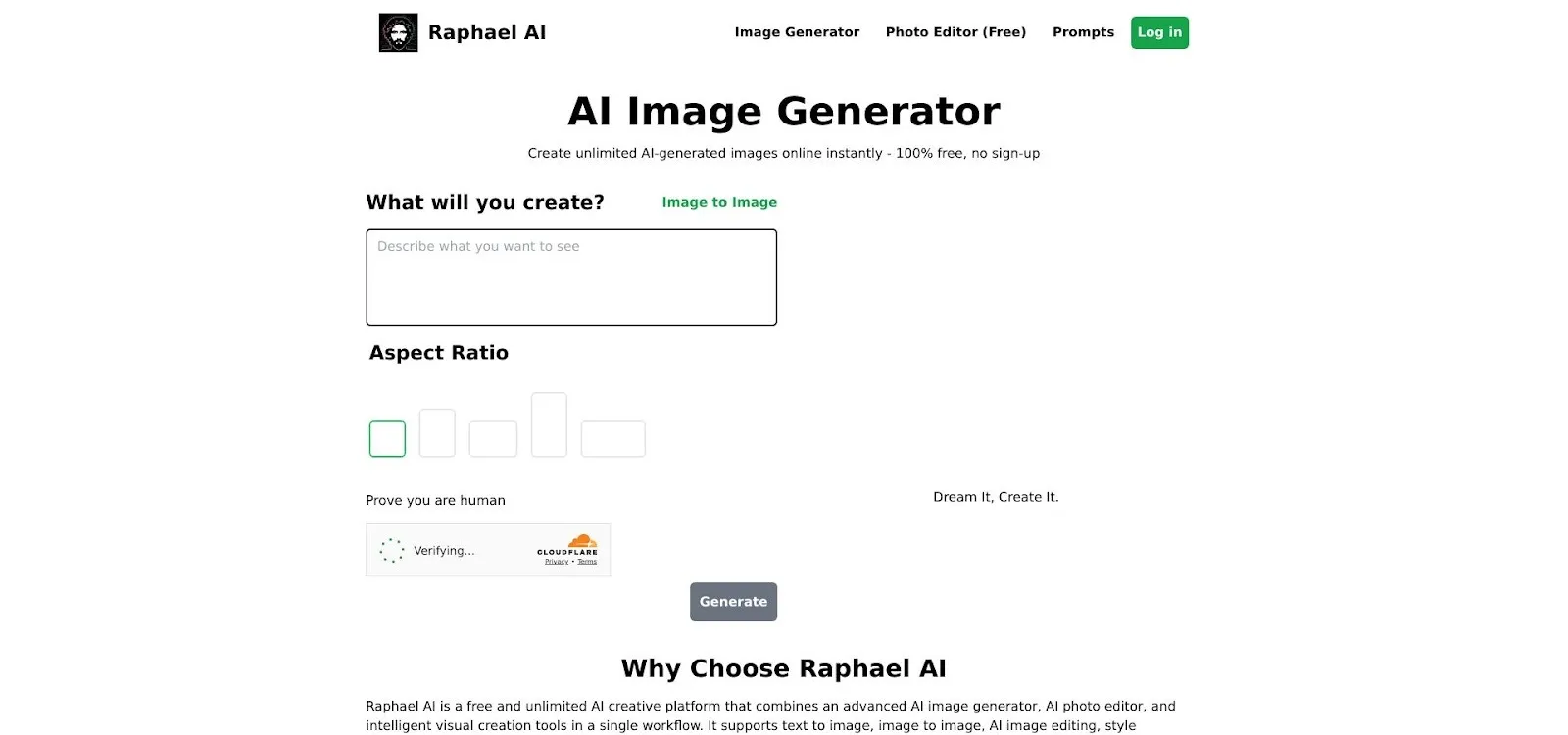
That freedom already stands out, yet the results confirm the value. Our “floating islands at sunset” benchmark produced a 4096-pixel panorama filled with molten clouds, crisp silhouettes, and delicate god rays, no upscale required. Faces in the “warrior queen” test held firm symmetry, and metallic armour reflected scene lighting with cinematic flair. Quality trails only Leonardo, and the gap shrinks when you adjust Raphael’s style sliders or switch to its Flux engine.
Speed lands in the middle lane. Off-peak, images appear in about ten seconds; during evening rush, queues stretch to thirty, a fair exchange for unlimited renders. The built-in editor quietly shines: crop, colour-grade, or extend the canvas without opening another app, keeping momentum high and browser tabs low.
Raphael’s terms stay straightforward. The images you create are yours to use commercially, and the site retains nothing beyond a temporary prompt log. That makes it ideal for agencies running live brainstorms, teachers guiding an entire classroom, or indie creators plotting a full comic arc overnight.
If you want high-resolution output without creating yet another account, Raphael feels like a playground built for you.
Perchance feels like a bustling street market for styles. Scroll the dropdown, and you will find painterly oils, pixel-art nostalgia, vaporwave gradients, and niche fandom models donated by hobbyists. The engine runs on Stable Diffusion, but the community seasons each preset with its own twist.
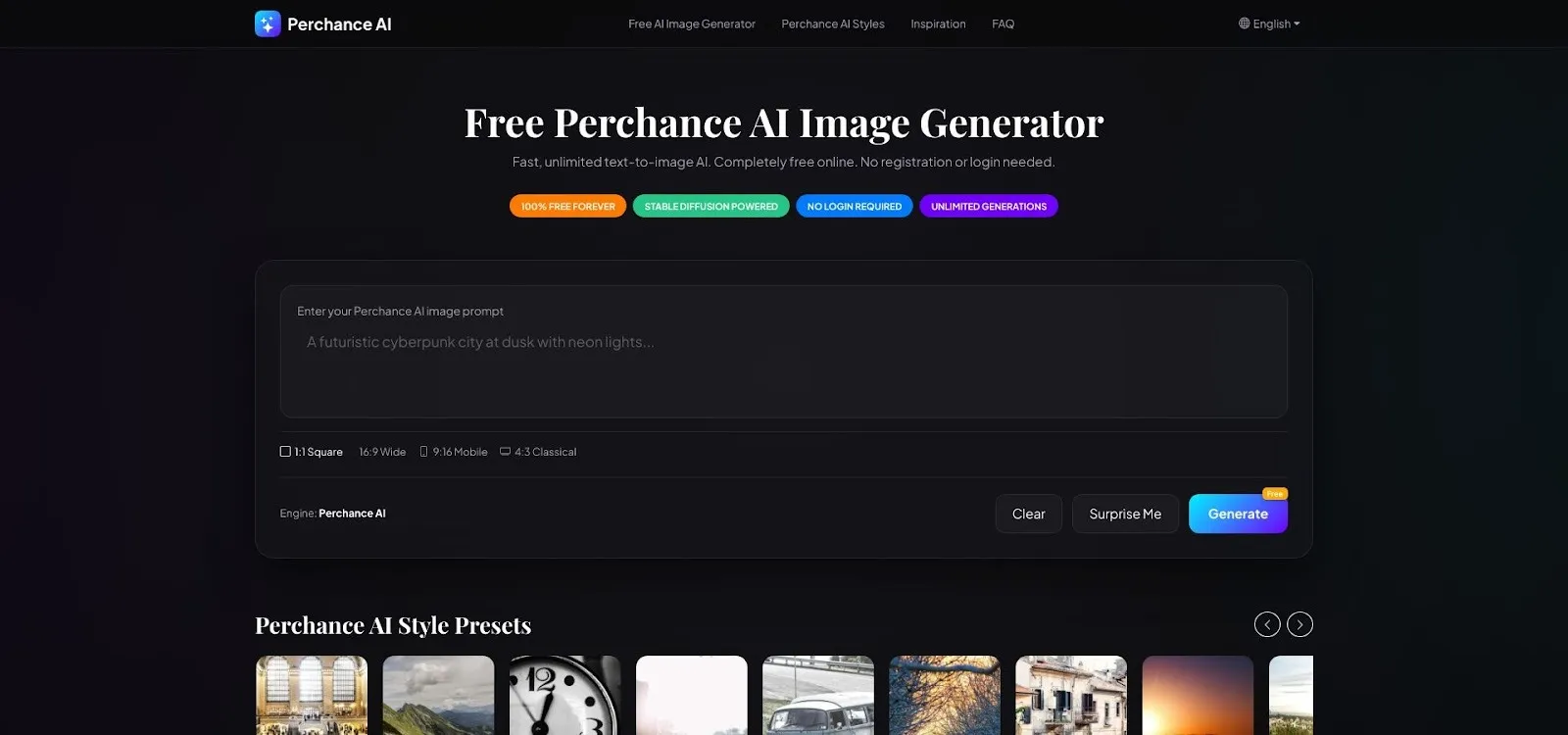
The interface seems plain at first glance, with two text boxes and a “Generate” button, yet that simplicity hides real range. Click “Random Prompt” if your mind is blank, or paste a detailed brief when you know what you want. Either way, there is no limit counter in the corner. You can test, tweak, and re-roll all afternoon without worrying about tokens.
Results shift with the model you pick. Our “cat wizard in watercolour” prompt looked lively in Cartoon mode and dreamy in Studio Ghibli mode. When an image missed the mark, we switched styles and clicked Generate again in about five seconds. That fast loop turns experimentation into play rather than work.
No watermark, no login, and no credit card stands between you and the art. Perchance stores prompts only long enough to show your image, then clears the slate, which suits classrooms, game jams, or anyone who values anonymity.
If you prize variety over hand-holding, Perchance is your sandbox. Dive in, swap styles like hats, and watch the same prompt bloom into fresh art each time you click.
Magic Studio strips AI art to the essentials. One prompt box, one Generate button, and a progress ring that finishes before you blink. On our stop watch the average render took four seconds, the quickest in this roundup.
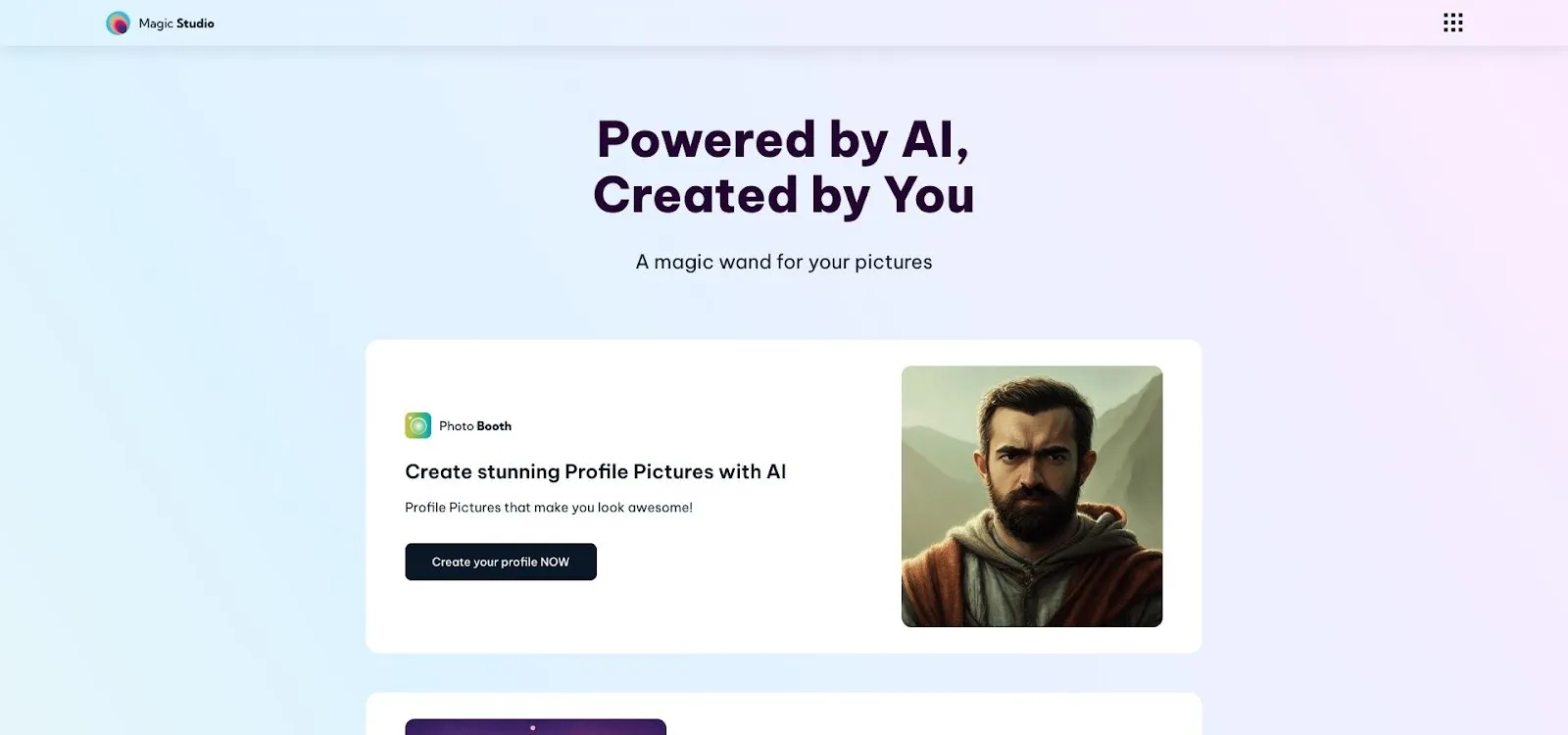
That speed is priceless during live sessions. Need a thumbnail for a pitch deck or a splash image for social? Type a phrase, grab the 1024-pixel square, and drop it straight into your slide. Repeat as often as you like; there is no daily ceiling and no watermark in the corner.
The trade-off for instant feedback is limited control. You will not find style menus, negative prompts, or aspect-ratio toggles. If you want a pastel watercolour look, state it in the prompt. When you crave cinematic lighting or ultra-real detail, be explicit. The model is competent but generic, so direction matters.
We saw minor drift in complex scenes, such as blurred signage or fused hands, yet for mood boards or quick visual hooks, Magic Studio works fine. It also runs smoothly on phones, so you can generate art while waiting for coffee.
Think of it as a creative spark: not the place to craft a final poster, but the fastest way to put an image on the page and move the project forward.
DeepAI has offered free images since before generative art hit the mainstream, and its longevity shows. The site rarely goes down, the API stays steady, and there is still no sign-up wall.

Pick a style from the dropdown (Cyberpunk, Impressionist, Low-Poly, and many more) and DeepAI morphs your prompt through that filter. We counted more than one hundred presets, enough to power classroom demos for an entire semester. Standard images land in about ten seconds, fine for web use. Switch on the HD toggle and the platform asks for payment, but ignore that upsell, and you can keep generating all day without limits.
Quality feels a step behind today’s top performers. Our “futuristic skyline” looked striking at thumbnail size, yet zooming in revealed softer edges and muddier neon than we saw from Raphael or Perchance. For abstract textures or painterly effects, though, the aesthetic works: think album covers, blog headers, or presentation backdrops where fine detail matters less.
Developers still appreciate DeepAI for its plug-and-play API. When prototyping an app or chatbot, a single endpoint call returns a JPG with no keys or quotas to manage. Marketers value the same simplicity when they need batch visuals on a deadline.
In short, DeepAI is the reliable old friend. It will not win photo-realism awards, but it never asks for your email, never watermarks your art, and never stops generating, which is reason enough to keep it bookmarked.
Most web generators tiptoe around tricky subjects, blocking keywords or refusing edgy prompts. Dezgo skips that nanny phase and hands you the full Stable Diffusion toolset, including negative prompts, sampling steps, guidance scale, and model version choices, without a single filter message.
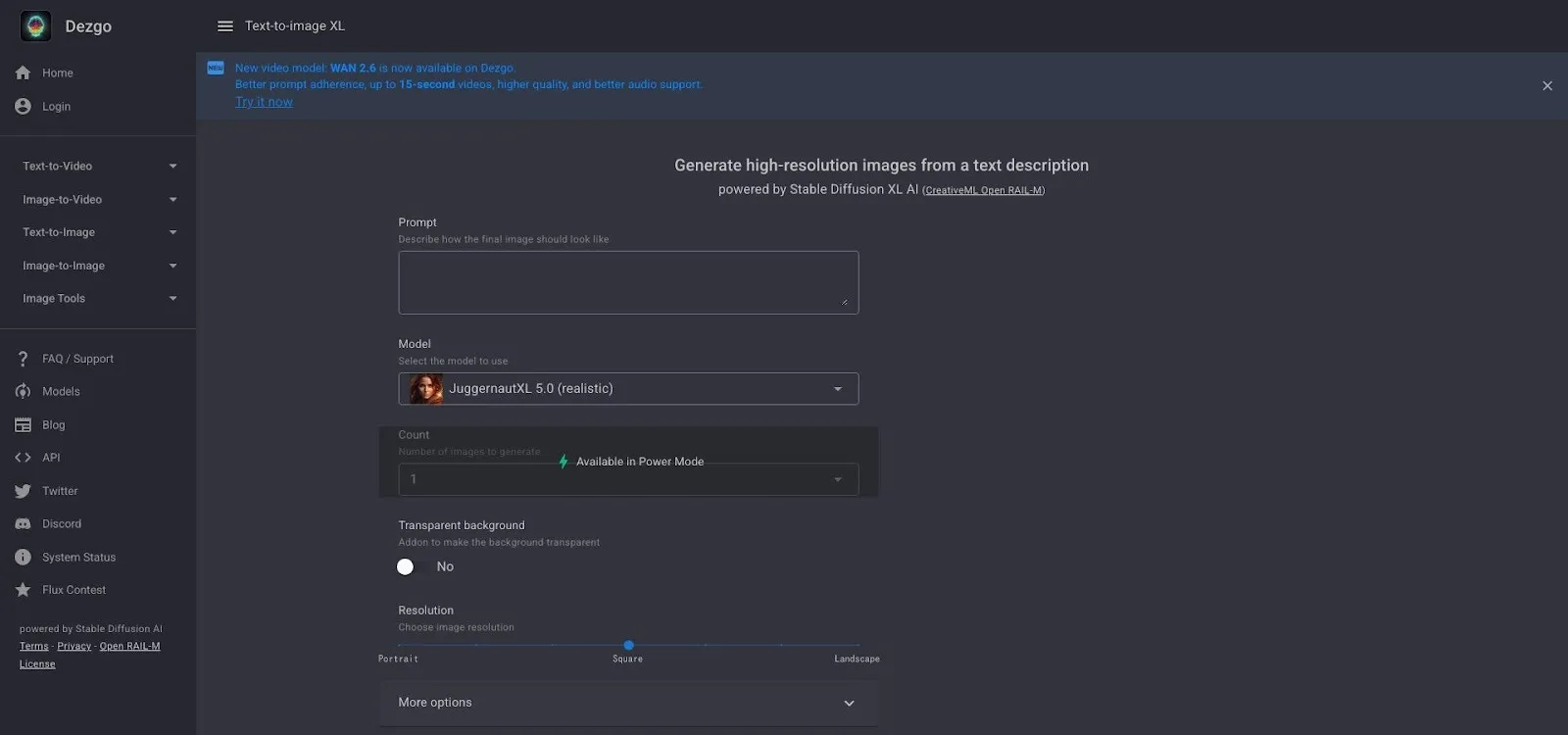
That freedom lets artists tackle horror, dark fantasy, or tasteful NSFW concepts that other sites reject. In our benchmark, Dezgo nailed complex lighting on the “cyberpunk skyline” prompt and preserved crisp line art for a comic-style frame. Generation times hover around twenty seconds, slower than Magic Studio but worth the wait when you need precision.
Advanced sliders make a huge impact. Boost steps for sharper detail, dial back CFG for looser composition, or paste a negative prompt to banish extra fingers. Each tweak teaches more about prompt engineering, turning Dezgo into a stealth learning lab for anyone serious about AI art.
No watermark, no daily cap, and no account barrier mean you can iterate until the vision feels right. Just remember the open policy cuts both ways; if you share a screen in mixed company, keep an eye on that prompt history.
For power users who value total control over corporate comfort, Dezgo is the browser-based workbench you have been looking for.
Vheer packs a Swiss-army kit of generative tricks into one sleek page. Text-to-image is just the start; a quick tab lets you animate fresh artwork or swap backgrounds without opening Photoshop. Despite that muscle, the site keeps our zero-friction promise: open the URL, start typing, and create without a sign-in screen.
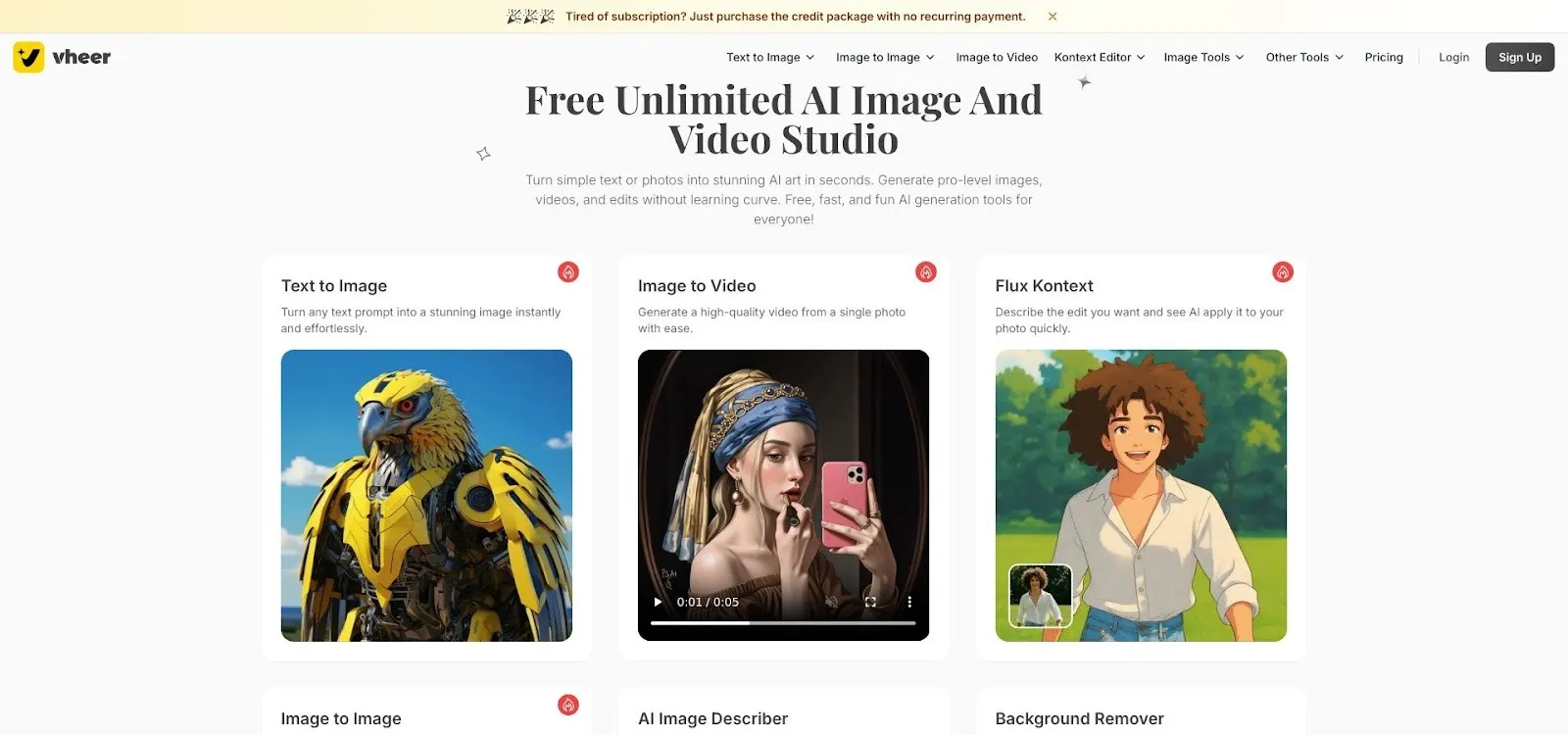
The style catalogue feels endless. Pick “Pixel Art” to shrink your prompt into retro sprites, then jump to “Oil Painting” or “Studio Ghibli” for a new vibe. Each preset tweaks the model weights, so you spend more time exploring ideas and less time engineering keywords.
Output quality impressed us across the board. Our “warrior queen” portrait came back with clean anatomy, ornate armour, and subtle skin texture, good enough for print. Turnaround averaged fifteen seconds; longer if you queue an animation, but the progress bar keeps you informed.
Controls suit both newcomers and tinkerers. Casual users can ignore the advanced panel, while power users adjust resolution, steps, or even seed numbers. After landing the perfect still image, one click morphs it into a short looping video, ideal for social teasers or menu screens in an indie game.
Licensing stays open. Downloads arrive watermark-free and ready for commercial use, and limitless generations mean you can experiment at will.
If you need one browser tab for concept art, stylised banners, and bite-sized animations, no account required, Vheer is worth bookmarking.
All seven tools pass the instant-access test, so the best fit depends on your current goal.
If you want maximum polish, pick Leonardo for photo-ready detail or Raphael when you need similar finesse without creating an account. When variety matters most, think dozens of art styles for a mood board, Perchance or Vheer feel like candy stores.
Speed often rules in live sessions. Magic Studio wins that race, producing usable images in a blink. If creative control is the priority, go with Dezgo; its sliders and negative prompt box let power users sculpt results with precision.
Finally, think about usage volume. DeepAI, Raphael, Perchance, and Vheer promise unlimited generations, which suits marathon brainstorming or classroom labs. If you need fewer but ultra-high-quality shots, Leonardo’s daily token pool is enough.
Match these priorities to your project, open the right site, and start creating. You can switch tools mid-workflow as needs change, with no onboarding hurdles or surprise invoices.
We will keep testing new platforms and policy shifts to keep this guide fresh. For now, the fastest path from idea to image sits in your browser bar, so click a link and see what appears.
Happy generating.
The primary benefit is immediacy. You can start creating art the moment an idea comes to you, without the delay of filling out registration forms or verifying an email. This also enhances your privacy and encourages more experimentation since you are not tied to an account with usage limits.
Most of the platforms reviewed, like Raphael AI and Leonardo AI, offer generous commercial usage rights even on their free tiers. This means you can use the images for marketing, products, or social media. However, it is always a good idea to double-check the specific terms for each service before using images in a commercial project.
For photorealistic results, Leonardo AI is a top contender, delivering exceptional detail, although it does require a very brief initial sign-up. For a true no-login experience with high-quality output, Raphael AI is an excellent choice, generating high-resolution images by default.
Absolutely. Tools like Perchance AI and Vheer AI specialise in variety, offering huge libraries of community-created styles ranging from pixel art and anime to oil painting and watercolour. You can apply these different styles to the same prompt to see a wide range of creative outcomes.
Yes. Several tools on the list, including Raphael AI, Perchance AI, and Dezgo, offer unlimited image generations without any daily caps or credit systems. This makes them ideal for large projects, classroom settings, or extensive brainstorming sessions where you might need to create hundreds of images.
