April 12, 2022

October 19, 2026

Editorial Disclaimer
This content is published for general information and editorial purposes only. It does not constitute financial, investment, or legal advice, nor should it be relied upon as such. Any mention of companies, platforms, or services does not imply endorsement or recommendation. We are not affiliated with, nor do we accept responsibility for, any third-party entities referenced. Financial markets and company circumstances can change rapidly. Readers should perform their own independent research and seek professional advice before making any financial or investment decisions.
The best course platform alternatives help creators sell, host and grow online courses without losing control of pricing, students or customer data. A strong platform should support course creation, payments, sales pages, email marketing and student progress in one simple system.
Many creators start with Teachable because it feels easy. As the business grows, limits around transaction fees, product caps and advanced features can make a basic plan feel too small.

Creators usually start looking elsewhere when growth exposes limits. The issue is not only hosting courses. The bigger issue is selling, automating and protecting margin as the business gets larger.
A creator with one offer may never notice these limits. Once you have several courses, digital downloads, coaching sessions and a growing list of active students, you need more control. If you are weighing up course platform alternatives, it helps to know which problems you are actually trying to solve.
Common reasons for switching include:
Before you pay for any of these upgrades, it is worth understanding how an online course earns its money, because the right platform depends on how you plan to sell.
A good platform makes selling online courses simple and leaves room to grow. That means no harsh student limits, no surprise fees and enough flexibility to add new products without rebuilding everything.
Look for a clean builder with lessons, modules, quizzes and completion certificates. Students should be able to see their progress, and you should be able to update content without breaking anything.
Checkout, sales pages, order bumps and upsells matter as much as the lessons. A platform with built-in selling tools saves you from connecting separate apps, and it helps to understand how a well-built sales funnel turns interest into paying students.
Email marketing, landing pages and referral tracking should either be built in or connect easily to the tools you already use. Every extra subscription raises your monthly costs.
Think about how your students learn. Some courses need live events, coaching calls or a community space. Others only need reliable video hosting and a simple way to track completion.
Read the pricing page carefully. Compare transaction fees, annual plans and any limits on courses, students or products at each tier.
No single platform wins for every business. The options below suit different priorities, so match the tool to your model rather than chasing the longest feature list.
Selling and checkout control: ThriveCart suits creators who care about revenue, funnels, digital products and course delivery in one system.
Community-first businesses: Mighty Networks works well when member interaction, live events and community identity matter most.
Advanced learning programmes: LearnWorlds can suit teams that need interactive video, SCORM compliance, certificates and deeper training tools.
All-in-one marketing: Kajabi can work when you want email, pages, payments and courses together and you are happy with higher plan costs.
Testing an idea cheaply: Thinkific or Systeme.io can help new creators test demand before paying for advanced features.
If you want to spend more time selling than managing software, a platform that combines checkout, funnels and course hosting is worth a look. ThriveCart is one example, pairing checkout and funnel tools with its own course hosting, so order bumps, upsells, coupons, affiliate tracking and sales pages all sit in one dashboard.
That matters because course sales depend on more than lesson pages. Instead of connecting a course platform, a checkout app, a funnel builder and affiliate software, you manage the key revenue tools in one place. It is a reasonable fit for an online business that sells courses, digital downloads and coaching packages together.
Start by listing what you sell today and what you expect to sell in a year. A tool that works for one course may struggle once you add coaching packages, live events and a bigger audience.
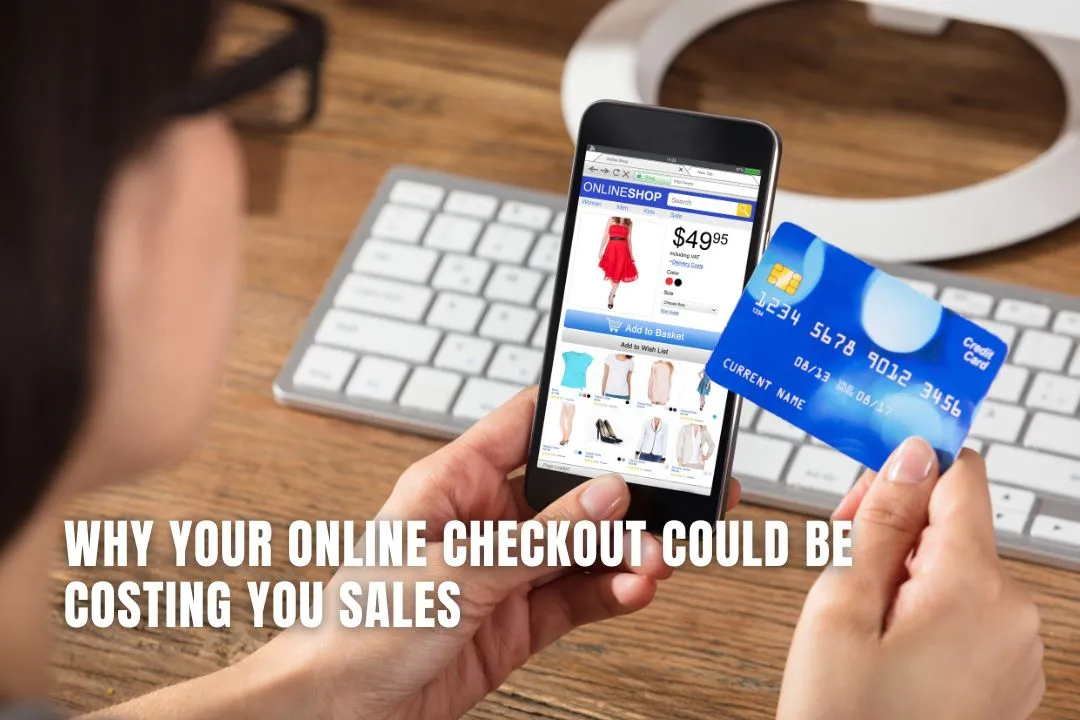
Then run a short trial with a real lesson, a real checkout and a real email sequence. Pay attention to how easy it is to change pricing, and think about how a smooth buying experience affects conversions, since a clunky online checkout can lose sales before anyone reaches your course.
Choose a platform based on where your business is heading, not only where it is today. Compare costs, sales tools, course delivery, branding and student limits before you move, and pick the system that lets you teach well and sell clearly without adding more software than you need.
It depends on your sales model. A platform that combines checkout, funnels, digital products and course hosting suits creators who want to sell more. Community-first or training-heavy businesses may prefer a different tool.
No. Some charge transaction fees on lower tiers, while others offer zero transaction fees on paid plans. Check the starter, basic, growth and pro plans before you commit.
Yes. Many platforms let you connect your own domain, use a website builder or publish landing pages. The right setup depends on how much control you want over branding, checkout and content.
Some platforms offer free plans or trials that let you test demand before paying for advanced features. Free plans usually limit fees, students or tools, so check the terms.
Export your lessons, videos and student list, rebuild the course on the new platform and test the checkout before announcing the move. Tell students about the change in advance.